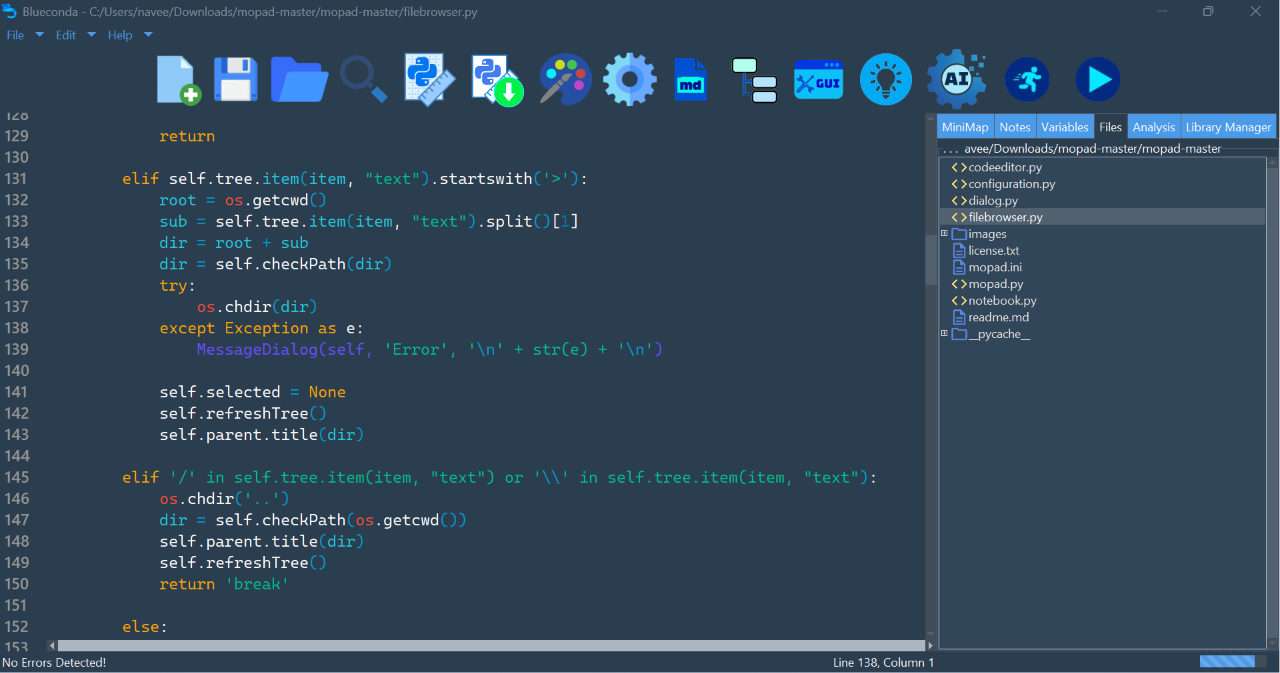
Say Hello to
Blueconda Editor.

The ultimate beginner friendly Python Code Editor.
Made in Python, for Python. Completely Open Source.
Image description

🖱️


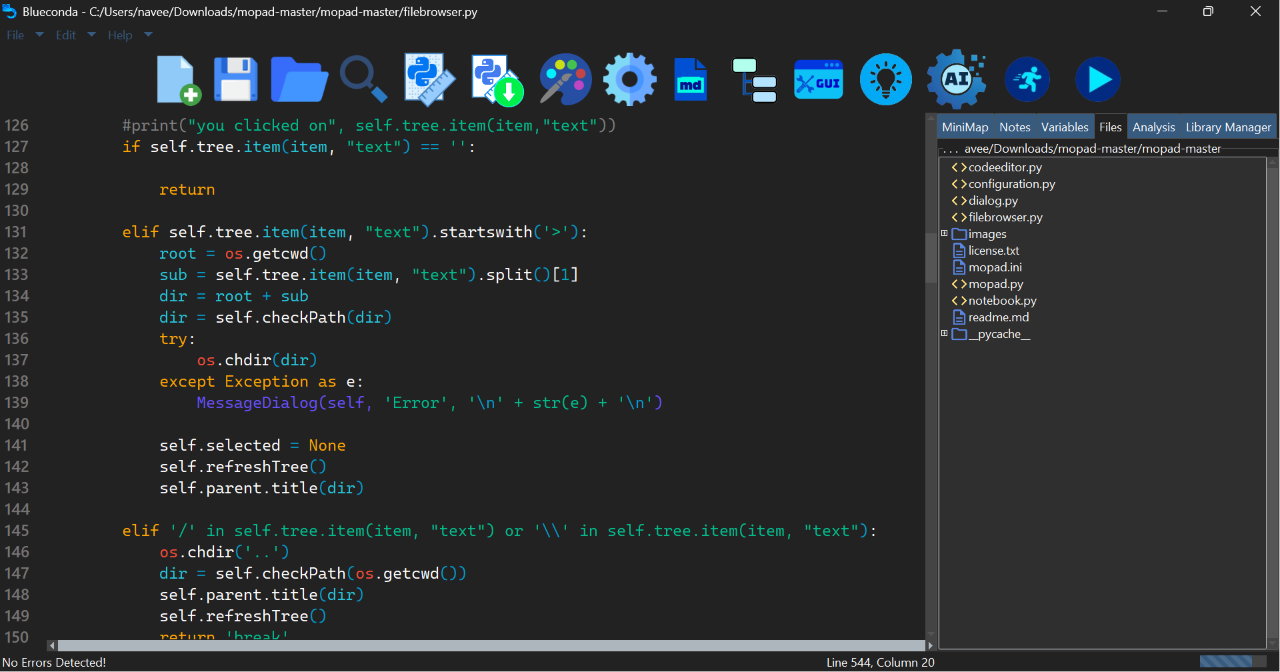
Solarised theme
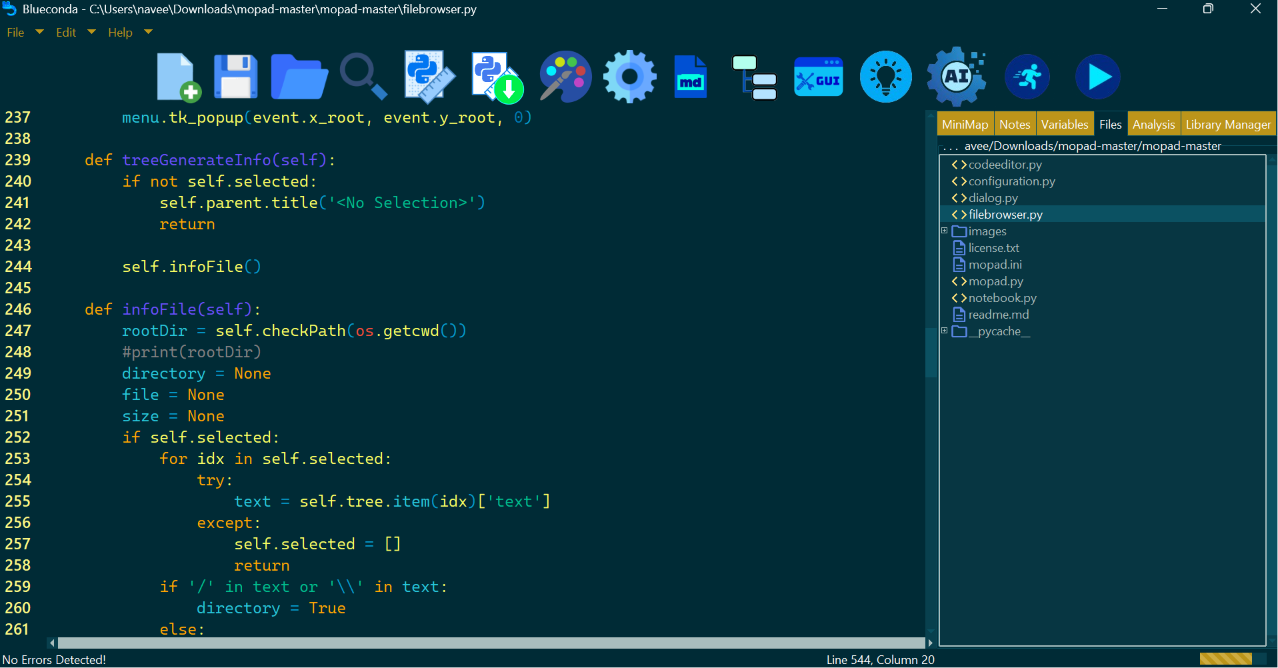
DeepBlue theme
What is Blueconda?

The Beginner-Friendly Code Editor that's the iOS of IDEs. Designed to be sleek, smooth, and simple to use so you can focus on learning and writing code.

Packed with familiar IDE features as well as its own unique ones, such as builtin Markdown Editor, Color Picker and GUI Builder, Blueconda is the all-in-one solution for a beginner to build their dreams.


Powerful Artificial Intelligence.

Powered by Google Gemini, the smart AI assistant within the Editor allows powerful editing and debugging.
Using your own API keys, leverage powerful models for AI-pair programming.
(See: AI in Blueconda).
Self-Assembling Software.

No more fiddling with terminals to install compilers or packages or any other such hassle. Blueconda comes with a smart library manager and dependency installer.
(See:Library Manager).


Multiple built in themes to choose from!


Features


All the features you'd expect, such as syntax highlight, file explorer, line numbers and function outline.
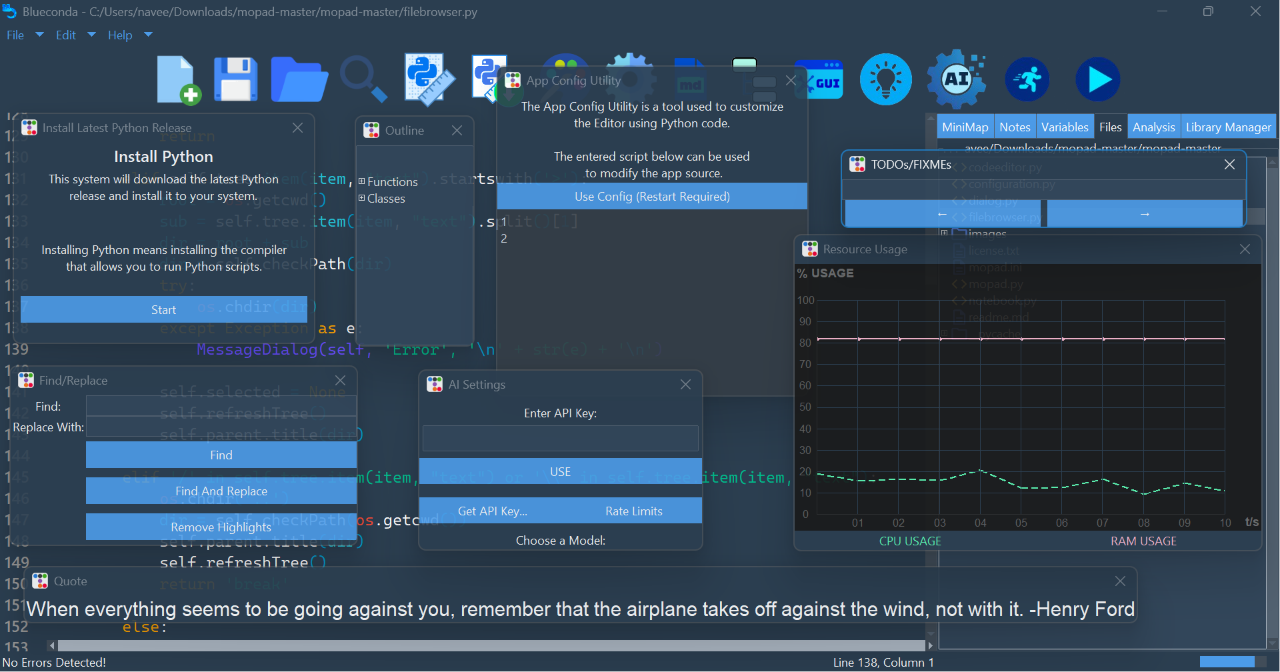
Automatically install the latest Python compiler from within the editor.
A hassle-free library manager to install and view Python packages.
A well-built GUI builder to simplify the creation of Tkinter widgets.
A built in markdown editor to simplify the writing of documentation and READMEs for your code.
A color picking feature to insert HEX colors of your liking.
Built in AI assistant to answer your questions from directly within the editor.
And so much more...
1 2 3 4 5 6 7 8


Releases
Detailed Changelog for all versions can be found on the GitHub page. Newest features in the latest build can be found right under the following table. (See FAQ if you're not sure which version is for you).

Release Date Version Type Status Download
25/July/2026 1.1 Installer Stable Download Link
25/July/2026 1.1 Portable Stable Download Link
24/July/2026 1.0 Installer Beta Download Link
24/July/2026 1.0 Portable Beta Download Link

What's New (1.1 Stable)

Support

You can contact me on my email, m.hamza.naveed@outlook.com. This can be regarding help, bug fixing, or feature requests. You can also read the documentation or check out the GitHub page (scroll down and click links).


Frequently Asked Questions
+
Blueconda is a code editor for the Python programming language designed for beginners.
+
Yes! Blueconda is 100% free.
+
Open source means all the source code for it is available to the public. You can view Blueconda's source code on GitHub!
+
Blueconda is built specifically for beginners to Python. Its designed to tackle all your initial troubles and is designed like a normal app rather than a complex IDE, with multiple helpful features but not too many to overwhelm anyone.
+
Simple! Download the appropriate release (see next FAQ question) and run the installer file. You can install the latest Python compiler directly from within the Editor. You should also probably go through the documentation to help yourself get familiar with all the features and the UI.
+
There are 2 main types of Blueconda releases:

- Installer
The normal installer file; the one you're likely looking for

- Portable
contained inside a single folder instead of being an installer, so you can move it around or launch it from a USB stick

Each major release is given a new version number. The decimal indicates the minor release (no major feature added, just polishes and fixes).

HNTech also publishes Alpha builds for developers to test out new versions, and Beta builds for users to test out new versions before the perfected release. A stable release is one that we're confident is bug free!
+
Blueconda sadly doesn't have a team behind it, just me. Since its mainly built using Python and the Tkinter framework, I was only able to compile for Windows. It is possible to use on Linux if you build from source but it might lack features and is not tested. MacOS is out of the question. Maybe someday!
+
Blueconda is built using Python, the same language you write code in. This gives it many advantages such as interfacing with Python modules and leveraging powerful Python packages for code editing at a native level. Unfortunately it has a drawback, it makes the app more performance heavy and demanding.

Future plans to mitigate this issue include leveraging GPU parallel processing for some tasks, and launching a Lite version for weaker devices.


Acknowledgements

Blueconda is built upon some incredible open source projects which deserve their due credit:
Please note: Blueconda is not affiliated with Anaconda (The Python distribution) or Conda (the package manager).

Python

Programming language used to build Blueconda.

Tkinter

Tcl-based GUI Engine.

ttkbootstrap

Custom styling themes & widgets for Tkinter.

PyInstaller/auto-py-to-exe

Executable compilers for Python.

flake8/autoPEP8

Linting platform for code formatting.

Google.genAI

Open source AI library for Gemini models.

TDOWN (bauripalash)

Markdown editor's core.

CodeWrapper

Open source code editor, formed the core of Blueconda.

python-assets

Core for Blueconda's file explorer.

TOML

Configuration file format used for Blueconda's themes.